Small Ro · Ragnarok Online

Event Hub

Account tools, rankings, wiki, database, downloads, and server services.
Latest Updates
Small Ro is ready — welcome, adventurer!
Explore classes, equipment, instances, and gameplay guides.
Download the client, patch up, and start your journey in Midgard.
Manage account settings, character tools, and game services.
Browse monsters, items, MVP data, rankings, and server information.
Join the community Discord and stay connected with your guildmates.
Small Ro is ready — welcome, adventurer!
Explore classes, equipment, instances, and gameplay guides.
Download the client, patch up, and start your journey in Midgard.
Manage account settings, character tools, and game services.
Browse monsters, items, MVP data, rankings, and server information.
Join the community Discord and stay connected with your guildmates.
Systems
Event Hub

Small Ro · Systems

Event Hub

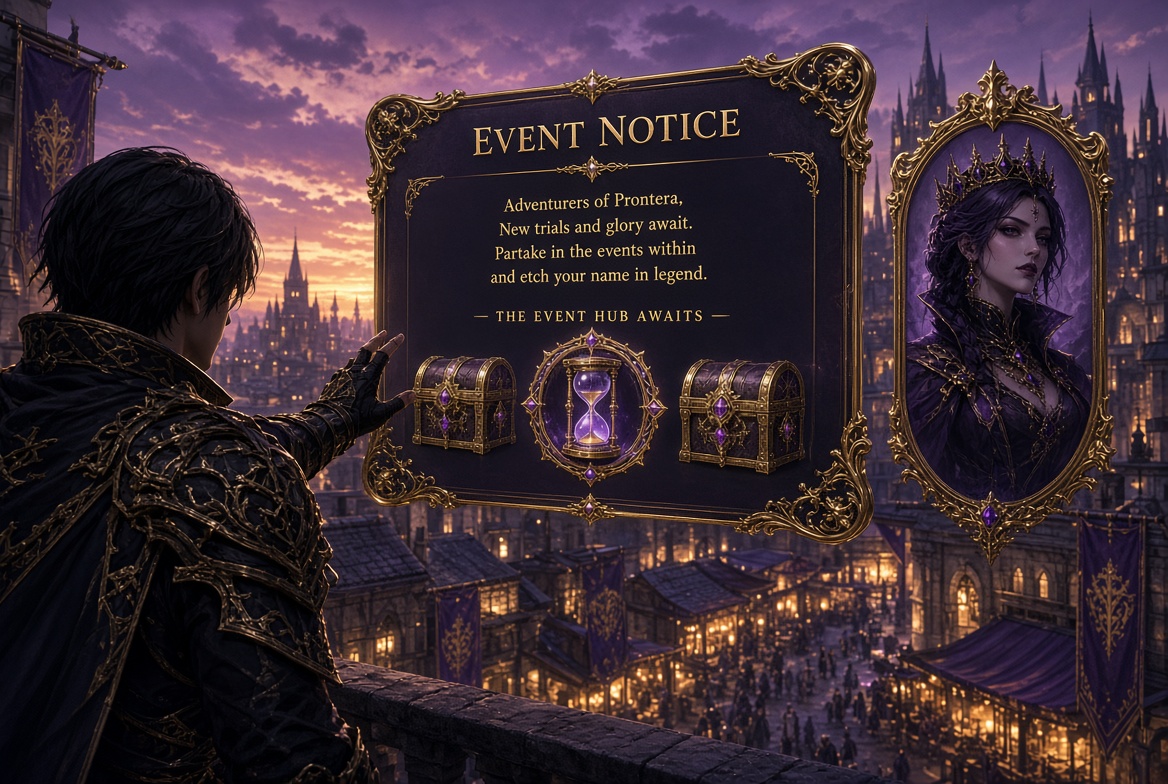
One panel. Every live event. The hourglass tells you something just opened. The list tells you what is running. One button takes you there.

OpenHourglass badge
Live listEvery active event
TrackTime · map · rewards
MoveJoin / Warp

Why it exists

Events on Small Ro do not wait for you to finish a dungeon and wander town looking for a shout. When a hunt, a treasure, or a field race goes live, Event Hub already knows. You do not memorize maps. You do not guess the prize. You open the panel and you are in the story.

The panel is built for the minute you have — not for a wiki tab, not for a GM whisper. Title, timer, place, last winner, and the full reward line sit on one screen.
Notification

Event hourglass

The hourglass

Keep the panel closed and play. When a new event becomes available, the hourglass badge wakes up. Open it and the list is already sorted so the event that matters most is on top.

You are never forced to stare at the window. The badge is the only thing that needs to move. When nothing is live, it stays quiet.

Tracking

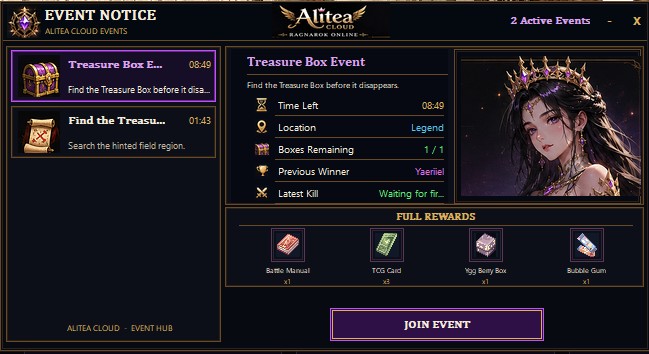
Pick an event on the left. The right side becomes that event’s desk:
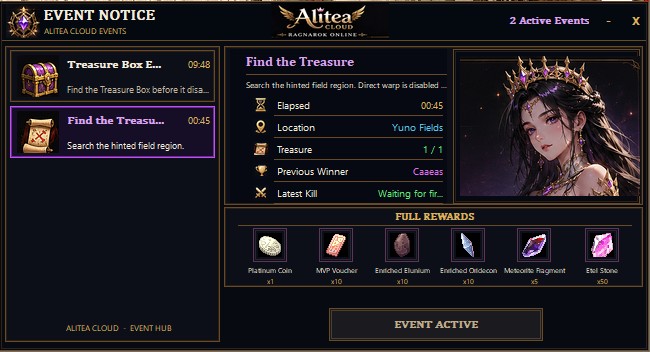
  • Time — time left, or time already running, so you know if you can still make it.
  • Location — the field or town name in plain words.
  • Progress — boxes remaining, treasures found, whatever that event is counting.
  • Previous winner and the last name that touched the objective.
  • Full rewards — every item the event actually pays, with amounts, before you step through.
Find the Treasure in Event Hub
Find the Treasure — elapsed time, field, progress, last winner, full reward line.
Treasure Box Event in Event Hub
Treasure Box Event — countdown, Join Event ready when warp is allowed.
Two events can be live at once. The left column keeps both in reach. The header tells you how many are running.

Warp

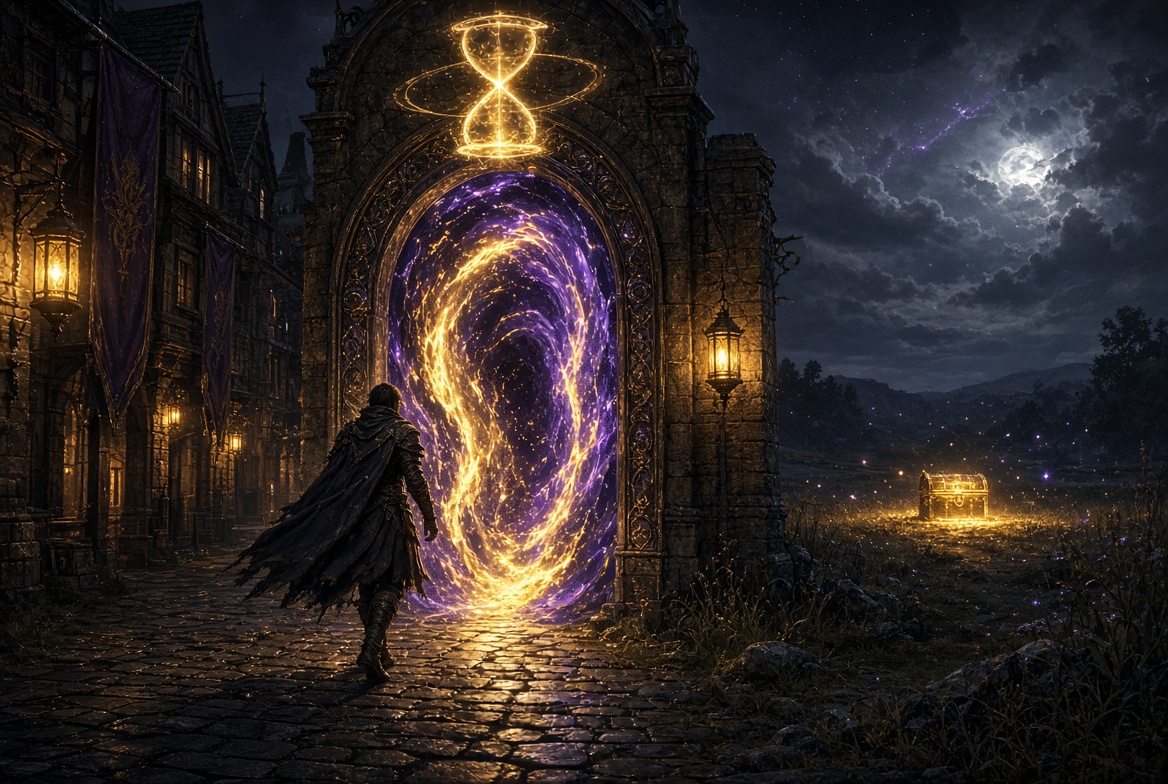
Warp from town to the event field
When the event allows it, Join Event puts you on the map. No memo. No random fly.

If the event is built to receive you, the purple Join Event button is the warp. One click. You land on the event map.

Some hunts hide the field on purpose. Those entries still show the region and the rewards — they simply do not offer the button. You still know what is live. You just walk the hint yourself.

The desk

Beautiful on purpose

Gold frame, dark glass, one portrait, one list. You can read it in a raid wipe. You can read it in town. Nothing on the panel is an ID.

Friendly in a hurry

Names, timers, and the Join button are large. Rewards sit in a single row so you decide in a second whether the run is worth the walk.

Always the live truth

When an event ends, it leaves the list. When a winner is written, the name updates. The panel does not keep dead hunts around to confuse you.

How to use it

  • Watch the hourglass while you play.
  • Open Event Notice when it lights.
  • Read the timer and the reward row.
  • Press Join Event if the button is there.
  • If warp is closed, go to the named field and hunt.
Event Hub does not start events. It does not replace the event itself. It is the door, the clock, and the prize list — so you never miss the minute that mattered.